
Can I claim a monitor on tax when working from home?
A monitor you pay for and use for your employment may qualify for its work-related share. A screen used for both work and gaming needs apportionment, and a screen supplied by your employer is not your purchase to deduct. This follows the ATO’s equipment rules; there is no special entitlement just because a product is marketed for a home office. ATO: equipment used for work.
General information for Australian employees. Official sources checked 6 September 2026. Check the rules for your claim year and ask a registered tax agent where your circumstances need individual advice.
One monitor and two monitors can need different reviews
A screen costing $300 or less is not automatically an immediate deduction. You must satisfy the other tests, including main income-producing use and the restrictions on sets and identical or substantially identical assets acquired in the year. ATO: small-asset conditions.
Illustrative example: you buy two identical $250 monitors in the same income year. Although each is below $300, their $500 combined cost prevents relying on the identical-asset test for immediate deductions. Keep both receipts, even if bought from different shops, and review their decline-in-value treatment.
Record use of each screen
One monitor might stay at your work desk while another doubles as the household gaming screen. Record the circumstances and evidence for each rather than assigning a convenient percentage to both. Include any employer reimbursement in the review.
The revised WFH fixed rate covers specified running costs, not eligible equipment decline in value. A monitor’s separate asset claim still needs to be correctly calculated. ATO: separately claimable equipment.
Use item tags to keep the screens together
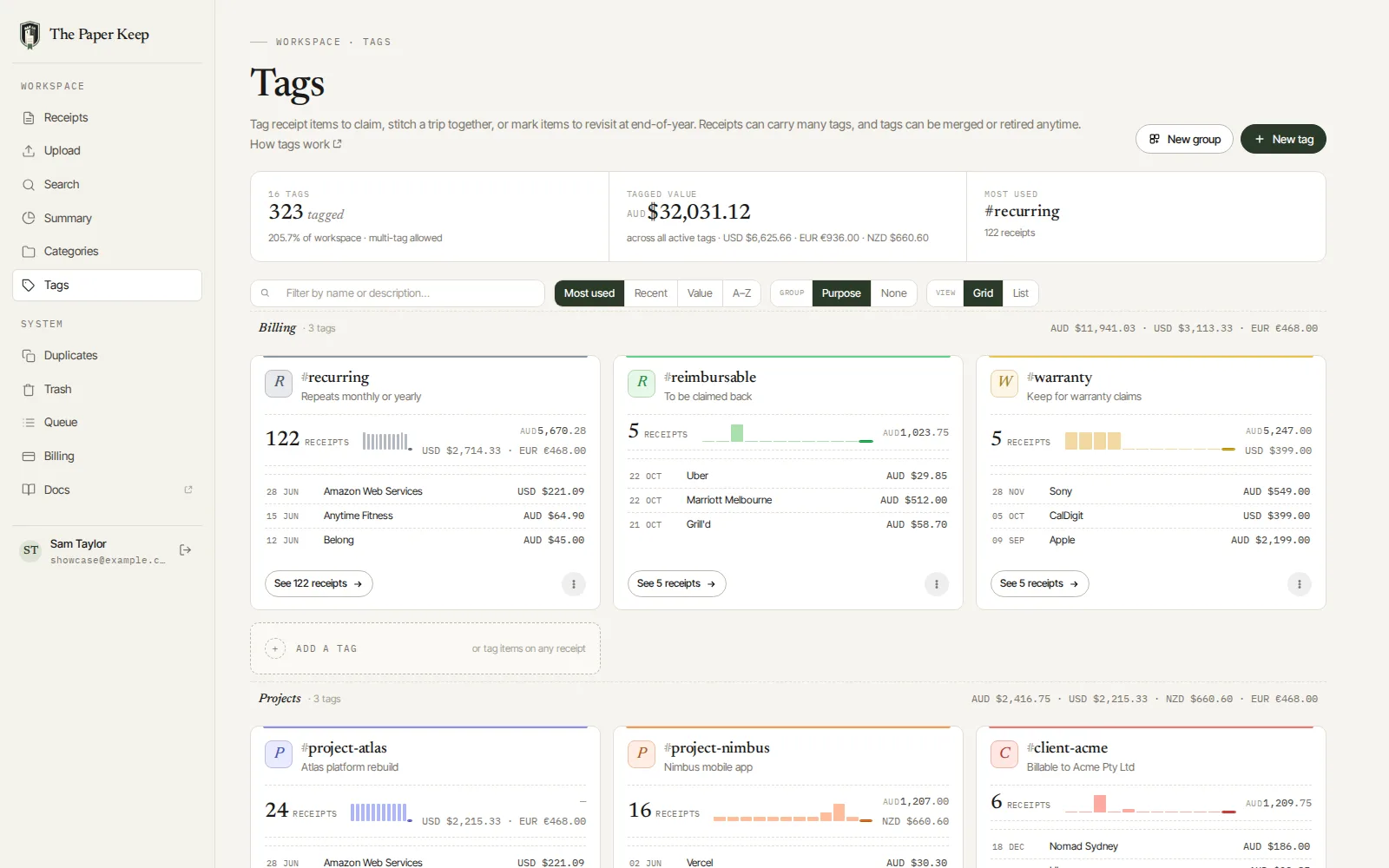
Upload the original purchases to The Paper Keep and check the individual line items. Use an Equipment for review category, with tags such as monitor, dual-screen and depreciation-review. A note identifying which screen is which makes later replacements or private-use changes easier to follow.
The WFH asset screen can estimate an individually entered monitor using its cost, date and work-use inputs. It does not identify your two $250 screens as a group: its automatic at-or-below-$300 treatment is not a substitute for checking the ATO tests. Keep the correct calculation separately if the model does not fit.
What to check at tax time
Find the monitor tags, compare the invoices and usage records, and review the proposed asset deductions. The summary’s equipment total is spending, not automatically that year’s deduction. Exported CSV rows represent receipts, so open the underlying items when one invoice contains multiple screens or other accessories.
For the computer driving those screens, see claiming a laptop. Avoid counting the same bundled purchase twice.
Compare another item in our WFH expense guides.
Make next tax time easier.
Keep your originals, organise expenses with categories and item tags, and review the year in one place. Use the WFH estimator when it applies, then export your receipt records for tax-time review.
Start a 14-day free trial. No credit card required.
When you're ready to do this in The Paper Keep, these are the click-by-click pages.